
Set Up Your Google Ads Campaign in Just About 10 Minutes. Campaign Management Made Easy.
AdsNet Campaign Management uses guided automation to help South African businesses move from business information to a structured Google Ads campaign setup in around 10 minutes. Choose self-deployment tools or work with AdsNet for deployment support, ongoing management and optimisation.
The around-10-minute timeframe refers to completing the AdsNet campaign setup workflow. Google review and activation times are separate. Campaign performance depends on market demand, competition, budget, targeting, landing-page quality and the strength of your offer.

Turn campaign activity into a controlled customer-acquisition process.
A campaign is more than keywords and adverts. Your services, service areas, offer, landing experience, conversion tracking, budget and follow-up process need to work together. AdsNet brings these parts into one guided workflow.
Self-deploy with automation and structure
Use AdsNet automation to organise your business information, campaign requirements, landing destination and deployment workflow quickly before advertising goes live.
Work with AdsNet
Choose AdsNet campaign setup and management when you want practical support with planning, deployment, monitoring and optimisation.
What Campaign Management helps your business achieve
The objective is not simply to buy traffic. It is to reach suitable prospects, capture measurable enquiries and learn where your advertising budget works best.
Reach Active Demand
Place your business in front of people searching for relevant services.
Better Targeting
Align campaigns with the services, locations and audiences you want to reach.
Budget Visibility
Understand how spend, clicks and customer actions relate to your goals.
Measurable Enquiries
Track meaningful actions such as forms, calls and other configured conversions.
Clear Reporting
Review campaign activity and performance through connected AdsNet reporting.
Ongoing Improvement
Use performance evidence to refine targeting, ads, keywords and landing pages.
Campaigns work better when setup, landing pages and measurement are connected.
AdsNet connects business information, campaign planning, deployment readiness, tracking and reporting. This creates a traceable workflow from the campaign idea to the customer action it is meant to generate.
Optimus Assist and AdsNet support help you understand the next practical action, while the reporting layer provides evidence for ongoing optimisation.
Business Profile
Start with accurate services, locations and business information.
Campaign Plan
Define the objective, audience, offer, channel and budget.
Landing Destination
Send traffic to a relevant page designed around customer intent.
Deployment
Complete the required checks before the campaign goes live.
Measurement
Collect campaign and conversion evidence through connected reporting.
Optimisation
Use evidence to improve efficiency and business outcomes.
Choose the level of support your business needs
AdsNet supports businesses that want to deploy campaigns themselves as well as businesses that want AdsNet to help plan, set up and manage their advertising.
Guided Campaign Tools
For businesses managing their own advertising deployment.
- Business and campaign setup workflow
- Google Ads and Meta deployment routes
- Standard campaign reporting
- Optimus Assist guidance
- Support ticket access
- AdsNet hosting where included
Plan, Build & Deploy Faster
For businesses that want a faster guided setup with AdsNet involved in campaign deployment.
- Automated campaign setup workflow
- Campaign planning and setup support
- Service and location alignment
- Landing destination review
- Tracking and readiness guidance
- Performance reporting
- Optimus and AdsNet support
Measure & Optimise
For active campaigns that need clearer analysis and practical improvements.
- Campaign performance review
- Keyword and search-term analysis
- Cost and conversion assessment
- Landing-page observations
- Prioritised recommendations
- Ongoing reporting support
Make better advertising decisions before and after launch
Practical guidance helps businesses understand costs, keywords and the choices that influence campaign efficiency.
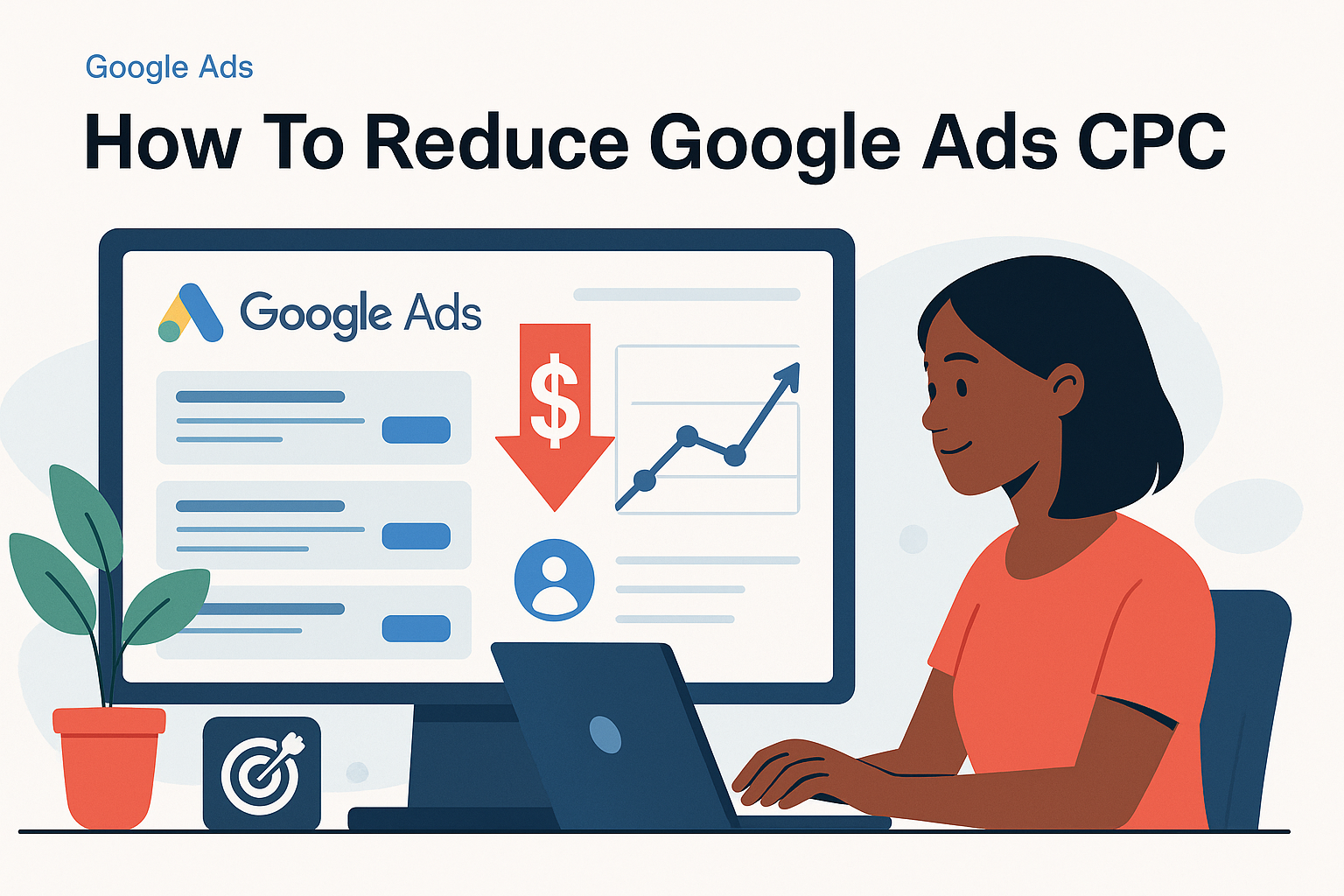
Control Cost Per Click
Understand how relevance, competition, targeting and campaign quality can influence click costs.

Choose Better Keywords
Build keyword coverage around customer intent, service relevance and the areas your business serves.
Clear controls before campaigns go live
Campaign readiness should be checked before budget is exposed to live advertising.
Business Readiness
Confirm services, locations, contact details and operational capacity.
Budget Clarity
Define the advertising budget separately from package and service fees.
Targeting Review
Check audiences, locations, keywords and exclusions before deployment.
Conversion Tracking
Identify the customer actions that the campaign must measure.
Reporting
Keep performance evidence connected to the deployed campaign.
Human Oversight
Important deployment and budget decisions remain controlled and reviewable.
How AdsNet Campaign Management works
Each campaign moves through a structured path from business objective to measurable performance.
Choose a Package
Select the campaign support level that matches your business.
Set Up Your Business
Confirm services, locations, offer and customer contact details.
Build with Automation
Use the guided workflow to define the objective, audience, channel, budget and landing destination in around 10 minutes.
Complete Readiness
Review the campaign, tracking and required deployment information.
Deploy
Launch through the selected self-managed or AdsNet-managed route.
Measure & Improve
Use reports and business outcomes to guide optimisation.
Frequently Asked Questions
Does AdsNet support self-managed campaigns?
Yes. AdsNet includes structured self-deployment routes as well as options where AdsNet assists with campaign setup and management.
Is advertising spend included in the package fee?
Advertising media spend and AdsNet package or management fees are separate unless a specific offer clearly states otherwise.
Can AdsNet guarantee campaign results?
No. Results depend on demand, competition, budget, targeting, offer quality, landing experience and customer follow-up.
Do I need a landing page?
A relevant landing destination is strongly important. AdsNet can use an appropriate existing page or connect the campaign to a landing-page or website solution.
Which advertising platforms are supported?
Available routes depend on the selected package and current AdsNet deployment options, including Google Ads and supported Meta workflows.
How is campaign performance measured?
AdsNet reporting connects available campaign activity with configured customer actions such as enquiries and calls.
Ready to build a more controlled advertising campaign?
Compare the available Campaign Management packages and choose the level of deployment and management support your business needs.